How to use Lenovo Thinkpad L13 Gen2 fingerprint sensor with Linux
Guide on how to update fingerprint reader firmware- Jan 23, 2021
- 1 min read
- #guides
- #thinkpad
- #linux
- #hardware
Warning
This post was written more than 5 years ago, and its contents may be out of date
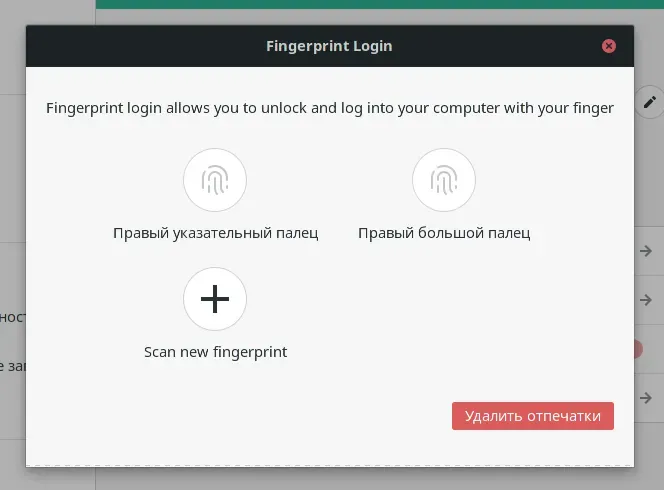
For most Linux distros the solution is simple:
$ fwupdmgr get-updates$ fwupdmgr update$ fprintd-enrollThe first two commands will fetch and install linux-specific firmware for the scanner, and the second will enroll your fingeprint. Later you can add more fingers using your account preferences (at least in gnome).
I’ve tested it under Manjaro 20 with Gnome.
Comments